Losing your Beats headphones can feel like losing a piece of your soul—especially when they’re blasting your favorite tunes. But fear not, Apple aficionados! If you’ve ever wondered if you can track those elusive headphones using your iPhone, you’re in for a treat.
Overview of Beats Headphones Tracking
Tracking Beats headphones can alleviate the stress of losing them. Apple’s ecosystem offers features that help locate lost devices, including headphones.
How Tracking Works
Tracking utilizes Bluetooth technology to connect Beats headphones with an iPhone. When the headphones are within range, the Find My app shows their location. If out of range, users can access the last known location. With the Find My network, it expands tracking capabilities by using signals from other Apple devices nearby. Relying on sound alerts also aids in locating misplaced headphones quickly. This robust system streamlines the process of recovery.
Compatibility with iPhone
Beats headphones require compatibility for effective tracking. All Beats models with real-time tracking capabilities must connect to an iPhone running iOS 14 or later. Connecting these headphones with an Apple ID enables seamless tracking through the Find My app. The integration with iCloud enhances the tracking experience, ensuring users can locate their headphones consistently. Given the growing range of Beats models, checking compatibility before purchase remains crucial for effective use.
Setting Up Your Beats Headphones
Setting up Beats headphones on an iPhone involves a few simple steps that ensure a smooth experience.
Initial Pairing with iPhone
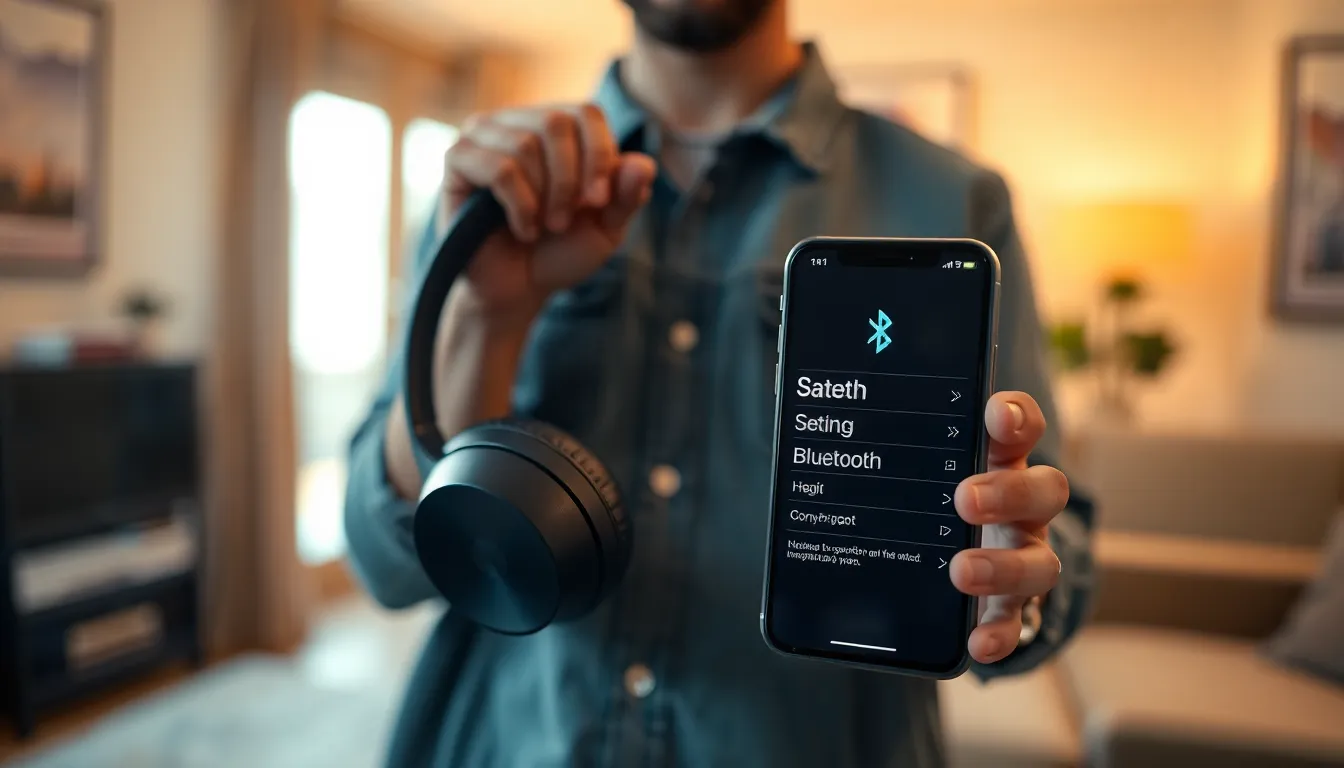
Initial pairing begins with turning on the Beats headphones. Users should then open the Bluetooth settings on their iPhone. The headphones should appear in the device list, and tapping on them connects the two. After connection, a confirmation sound plays, indicating successful pairing. Furthermore, iPhone users can check battery status directly from the device screen. Maintaining a Bluetooth range of about 30 feet enhances connection stability. Expect seamless audio playback once pairing is complete.
Enabling Location Services
Enabling location services allows the Find My app to locate Beats headphones effectively. Users can access the iPhone’s Settings app to turn on location services for accurate tracking. After selecting Privacy, tapping Location Services activates this feature. Users must ensure Find My is also enabled in this section. Protect privacy by reviewing app permissions regularly. When location services are active, the Find My network can utilize nearby Apple devices to pinpoint the last known location. As a result, recovering lost headphones becomes more manageable.
Tracking Beats Headphones on iPhone
Tracking Beats headphones on an iPhone involves leveraging the capabilities of Apple’s ecosystem to locate lost devices. Users can efficiently utilize features provided by Bluetooth technology and the Find My app.
Using the Find My App
The Find My app offers an intuitive way to track Beats headphones. Once paired, headphones appear in the app, allowing users to see their current location when within Bluetooth range. If the headphones are out of range, the app displays the last known location, which can be immensely useful. Activation of sound alerts provides an additional recovery method, especially when headphones are nearby but out of sight. Apple’s Find My network enhances tracking by using signals from other devices, improving the search for lost headphones.
Limitations of Tracking
Tracking Beats headphones does have some limitations. Bluetooth range typically spans about 30 feet in open areas, restricting the tracking distance significantly. Once outside that range, users cannot receive real-time updates until coming closer. Additionally, interference from walls or other obstacles can weaken the Bluetooth signal. If headphones aren’t initialized or linked to the Apple ID, tracking features become ineffective. Battery depletion also presents a challenge, as dead headphones cannot transmit location data, making it crucial to keep them charged for effective tracking.
Alternative Methods to Locate Headphones
Several alternative methods exist for locating Beats headphones when the Find My app isn’t sufficient.
Third-Party Tracking Apps
Various third-party tracking apps provide additional options for locating headphones. Tile is a popular choice, enabling users to attach a small tracking device to their headphones. The app shows the last known location and can trigger a sound alert to assist in finding them. Another option, TrackR, offers similar functionality with a secure connection to mobile devices. Users benefit from a community network that helps locate lost items by utilizing other app users’ devices. While these solutions are not designed exclusively for Beats headphones, they enhance the chances of successful recovery.
Preventative Measures
Taking preventative measures helps minimize the risk of losing Beats headphones. Regularly charging the headphones ensures they stay powered and connected to tracking features. Establishing a designated storage area for headphones reduces the likelihood of misplacing them. Keeping a record of the original purchase or warranty information can aid in recovery efforts. Using a case or pouch not only protects the headphones but also makes them easier to find. Setting reminders for routine check-ins on their location via the Find My app is also advisable.
Tracking Beats headphones on an iPhone offers a practical solution for those anxious about losing their devices. With the integration of the Find My app and Bluetooth technology users can easily locate their headphones when they’re within range. The last known location feature provides peace of mind even when the headphones are out of reach.
By ensuring compatibility and enabling location services users can maximize their tracking capabilities. Utilizing sound alerts further enhances the recovery process. While there are limitations to tracking it’s clear that taking preventive measures and utilizing available tools can significantly improve the chances of finding lost headphones. Embracing these strategies not only protects the investment but also enhances the overall user experience with Beats headphones.